Community#
SAF is an open-source project and welcomes contributions from the community.
Get involved#
There are several ways to get involved with the SAF community:
GitHub Discussions: Ask questions, share ideas, and interact with other developers directly on the project’s GitHub repository.
Issue tracker: Report bugs or request features through GitHub Issues.
Pull requests: Contribute code, documentation, or examples by submitting pull requests.
Contribute#
If you are interested in contributing to SAF, please refer to the Contribute guide for instructions on how to set up your development environment, run tests, and submit contributions.
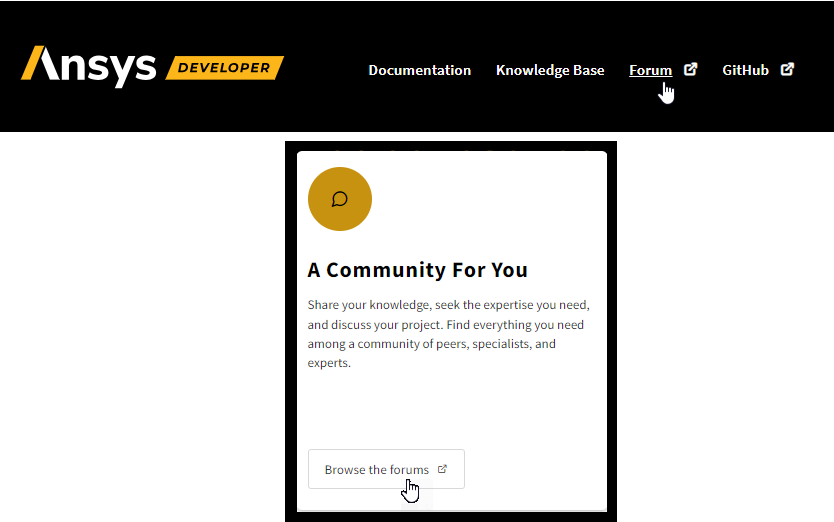
The Developer community page is our home for discussions.
This is where users, partners, students, and our own internal subject matter experts can connect. This is where you can share ideas, get help and guidance, and discuss the latest technology and developer tools together.
To participate, click either the Forum tab or the Browse the forums button.
Learn#
From the Ansys Developer portal’s home page, you can access the following learning resources:
Documentation#
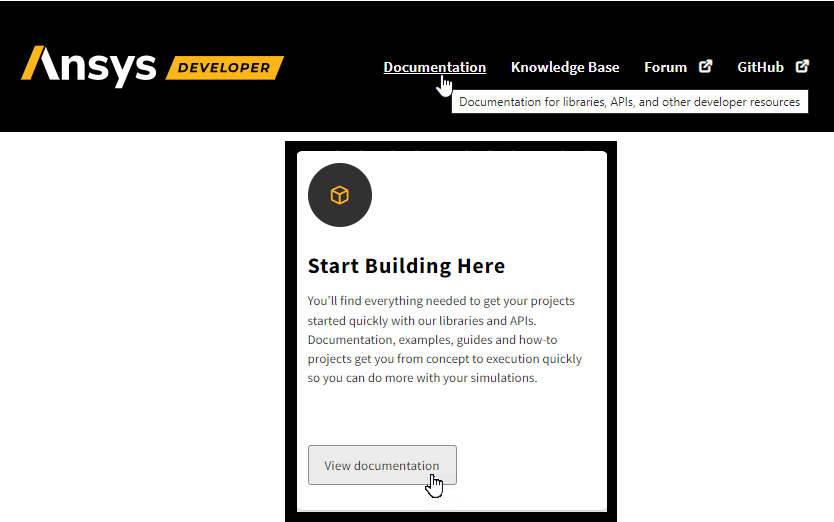
The Developer documentation page houses our growing collection of Python-based client libraries, as well as the software development kits (SDKs), documentation, and tools from all our products, that enable developers and engineers to collaborate on and extend simulation workflows to match their requirements.
To access, click either the Documentation tab or the View documentation button.
Knowledge base#
The Knowledge base houses our growing store of development-related information and learning resources: guides, articles, tutorials, courses, and webinars.
To access, click the Knowledge base tab.

Articles#
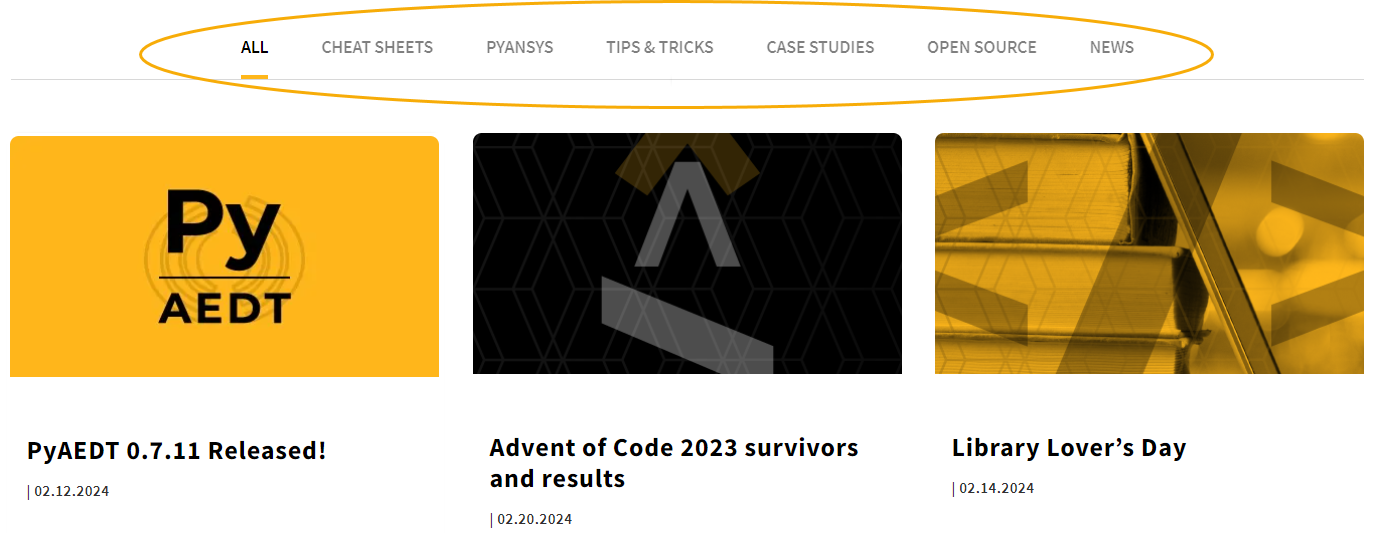
Articles on multiple subjects are consolidated into a single section, divided into the following categories:
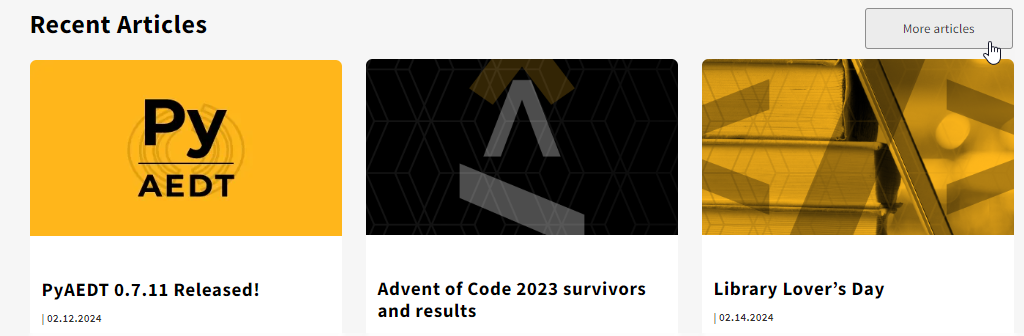
To access, scroll down to the Recent articles section and click the More articles button.