

HPS authentication#
Three different authentication modes are supported: access token pass-through, username/password, and interactive authentication using Keycloak. Their availability depends on the deployment type. Authentication is required for any interaction with HPS, which includes:
When using HPS as a product instance system for launching and interacting with product instances within transactions (Instance management)
When using HPS for launching and querying jobs within transactions (Job submission)
Desktop deployment#
Use a username and password#
Set environment variables GLOW_HPS_USERNAME and GLOW_HPS_PASSWORD, as described in Environment variables.
export GLOW_HPS_USERNAME=repadmin
export GLOW_HPS_PASSWORD=repadmin
Interactive authentication using Keycloak#
Authentication via Keycloak can be configured by setting the environment variable GLOW_HPS_CLIENT_ID, as described in Environment variables.
However, if this environment variables is not set, Keycloak access is automatically configured with the following default value:
export GLOW_HPS_CLIENT_ID=rep-jms-web
From the Keycloak side, configure http://localhost:* as a valid redirect URI for the client rep-jms-web in the rep realm.
This can be done through the Keycloak UI (https://localhost:8443/hps/auth/admin/master/console/#/rep if HPS is running locally on port 8443).
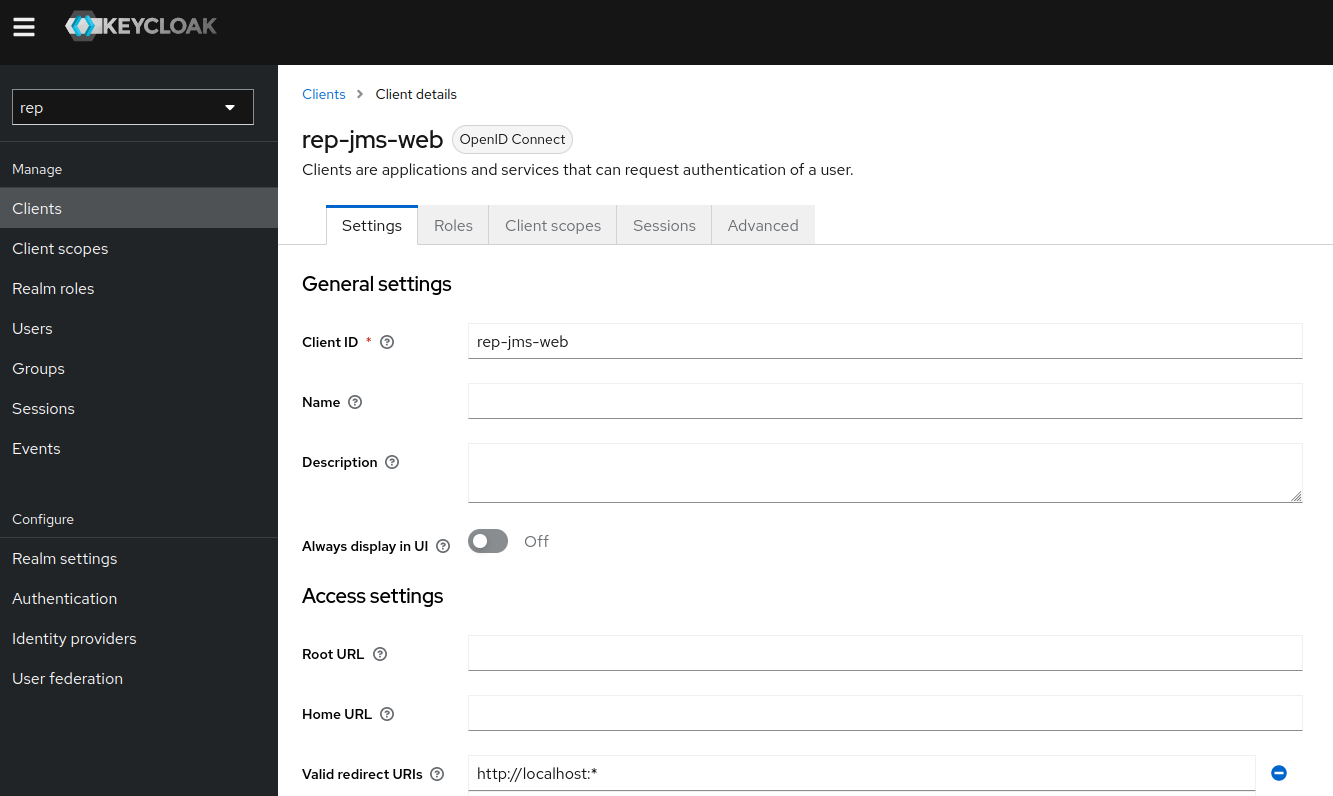
or by editing the realm JSON configuration file (docker-compose-customer/config/keycloak/realm.json). Look for the rep-jms-web client and add it to the list:
"clients": [
    {
        "clientId": "rep-jms-web",
        "redirectUris": [
            "http://localhost:4200/*",
            "*",
            "http://localhost:*"
        ],
    }
]
When using this authentication mode, SAF GLOW Engine initiates an interactive authorization process when access to HPS is needed. This process includes:
SAF GLOW Engine opens a browser tab redirecting to the Keycloak login page
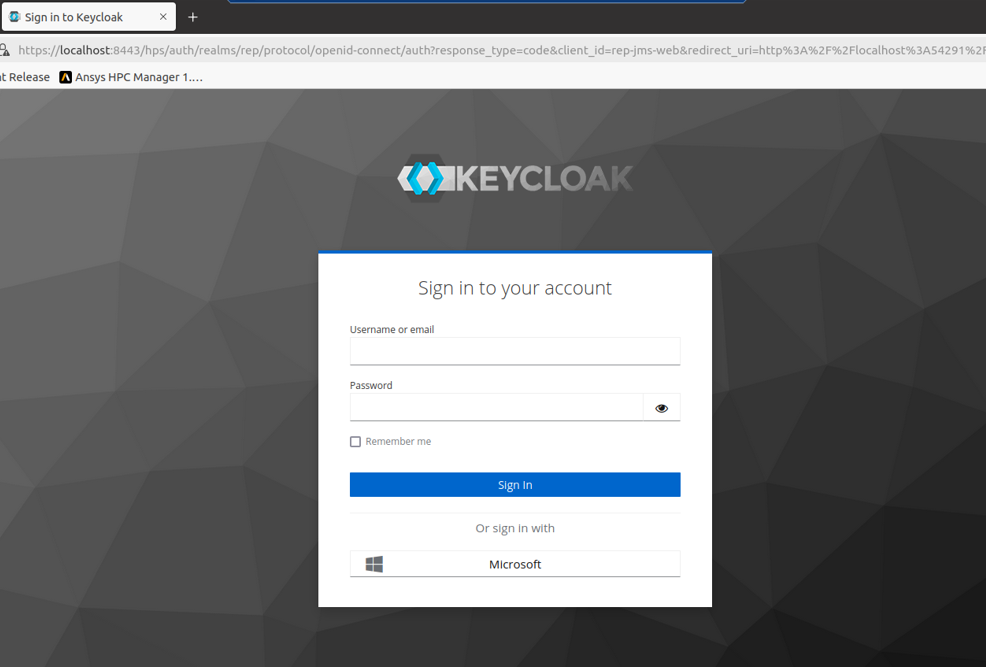
The user enters login credentials
Upon successful login, the user is redirected, and SAF GLOW Engine automatically receives the token for HPS authorization
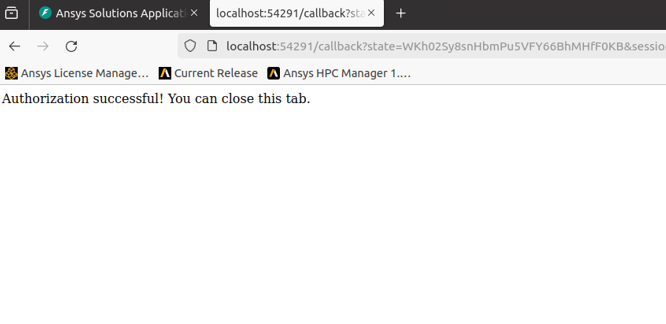
The user can then close the browser tab
The token is stored and reused for future HPS requests, eliminating the need for further user interaction. However, the token has a lifespan and expires. When the token expires, the interactive authorization process launches again, providing SAF GLOW Engine with a new token.
Note
Username and password authentication has priority: if both sets of variables are configured, Keycloak variables are ignored.
Docker Compose deployment#
Use an access token#
With Keycloak and OAuth properly set up in your deployment, all requests to the solution UI and API should be made with a bearer token contained within the Authorization: Bearer <access_token> header.
This access_token will then be propagated to HPS, which will use it for authentication.
Use a username and password#
In case you don’t have Keycloak and OAuth set up, you can still set environment variables GLOW_HPS_USERNAME and GLOW_HPS_PASSWORD, as described in Environment variables.
Note
Token authentication has priority: if a token is available, the environment variables for username and password are ignored. Either a token or username and password must be available, otherwise an error is raised.
Auth on demand#
It’s also possible to trigger HPS authentication on demand from the Client API using authenticate_hps(). This is useful for Desktop deployments using interactive authentication via Keycloak, allowing you to decouple the manual interaction from the transaction-based workflow. In other scenarios, authentication is transparent and done on-demand for every request.
For example:
@callback(
    State("url", "pathname"),
    prevent_initial_call=True,
)
def authenticate(project: SimpleSolution):
    project.authenticate_hps()


# future interactions with HPS through transactions will reuse authentication
Configuration at runtime for job submission#
HPS authentication can be configured at runtime using the hps_server_url and client_id arguments available when submitting jobs to HPS (see Submit jobs and parametric studies to HPS section) and in the authenticate_hps method.
When these arguments are used, they override the default values specified in Environment variables. If HPS authentication is configured by other means (for example, with GLOW_HPS_USERNAME and GLOW_HPS_PASSWORD), the passed values will be ignored.